
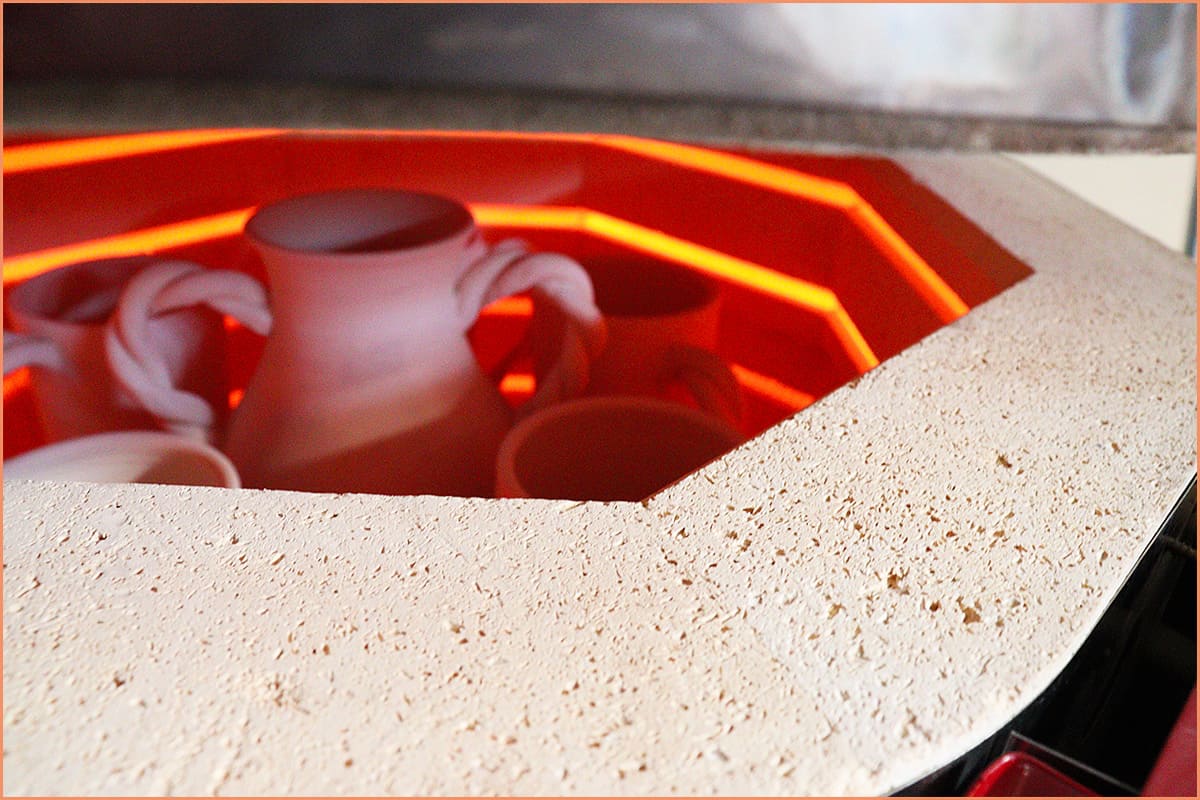
The Ultimate Guide to Troubleshooting Kiln Problems
When your kiln begins malfunctioning, it may be time for a service call. However, it is possible to troubleshoot and resolve some of the most common problems likely to affect your kiln. As much as you can address several kiln issues by routine maintenance, it is crucial to locate the origin of a problem before fixing it.
Your kiln can experience some problems, especially if it’s served you for a long time. Issues like the kiln not heating up, electrical noise in the control, and a flaking temperature sensor, to mention a few, will require troubleshooting to get a solution.
Knowing how to troubleshoot a problem in your kiln can help you cut repair costs since there are problems that you will be able to identify and easily fix without needing an electrician. In this guide, I’ll explain in detail how to troubleshoot the common kiln problems.
Affiliate Disclaimer: We are ambassadors or affiliates for many of the brands we reference on the website. As an Amazon Associate, I earn from qualifying purchases.
Kiln Switches Off While Running
Your kiln may have been working just fine. Then, one time, after switching it on and running it as usual, it suddenly went off. What now?
The most common causes of your kiln turning off while running are an electric power failure and a very hot room temperature.
How To Fix
The following are steps to troubleshoot why your kiln turned off while running:
- If, after turning off, there is an error code on your kiln, then the first thing to do is check out that error code and look it up in your kiln manufacturer’s manual. You will get instructions on how to deal with any error codes there.
- Check for a defect in the electrical power supply. Even a brief power failure will switch off the kiln. When this happens, restart the kiln. Unfortunately, if the kiln turns off at a temperature above 1000°F (537°C) while firing the ceramic coating (glaze firing), the coat may crawl, crackle, change color, or the ware may break.
- Check whether the temperature rises by less than the indicated degrees in an hour. The following could be potential causes of a low rate of increase in your kiln’s temperature:
- When your kiln’s brick is worn, leading to the leakage of heat
- When the lid of your kiln is open during firing
- Low AC voltage
- When your kiln’s heating elements are worn out
- When your kiln’s heating element is broken
- When your kiln relay is defective
4. Check if the kiln’s temperature rises faster than the higher limit allowed by the computer. A stuck relay may cause this problem. A stuck relay is a switch that stays on even when turned off.
5. Check the room temperature. If the room temperature is excessively hot, the kiln may automatically turn off.
To prevent the room from becoming too hot, add a room cooling or venting system. Also, you can place the kiln in a bigger room.
Power Indicator or LED Does Not Show in the Controller
A shut-off switch turned off, and a blown fuse can cause the LED or power indicator to not show on your kiln’s controller. Additionally, a defective controller can result from a loose wire in the kiln.

When faced with a power indicator or LED that does not show in the controller, it would help to follow these steps to troubleshoot and get it fixed:
- Check if the shut-off switch is turned off. If the shut-off switch is turned off, switch it on.
- Check the plug for corrosion or disconnection. If the plug of your kiln is not connected, connect it properly. Also, unplug and inspect the plugs for corrosion.
- Loose power wires. The kiln’s controller may fail to indicate power due to loose power wires. If you have loose wires, service them and also consider replacing the connectors.
- Check the fuse of the computer box. A blown fuse in your kiln’s computer box may cause the controller’s LED or power indicator to fail to light.
- Check the fuse, and if it’s blown, replace it. If the fuse blows again after you replace it, the controller box is defective.
- Check the controller board. A defective controller board may also cause the LED or power indicator to fail to appear on the controller. Check the controller board and replace it if it’s defective.
Kiln Won’t Heat Up at All
There are many reasons your kiln is not firing up, including short circuits, a timer set to “0”, the wrong type of fuses, and a low-voltage supply.
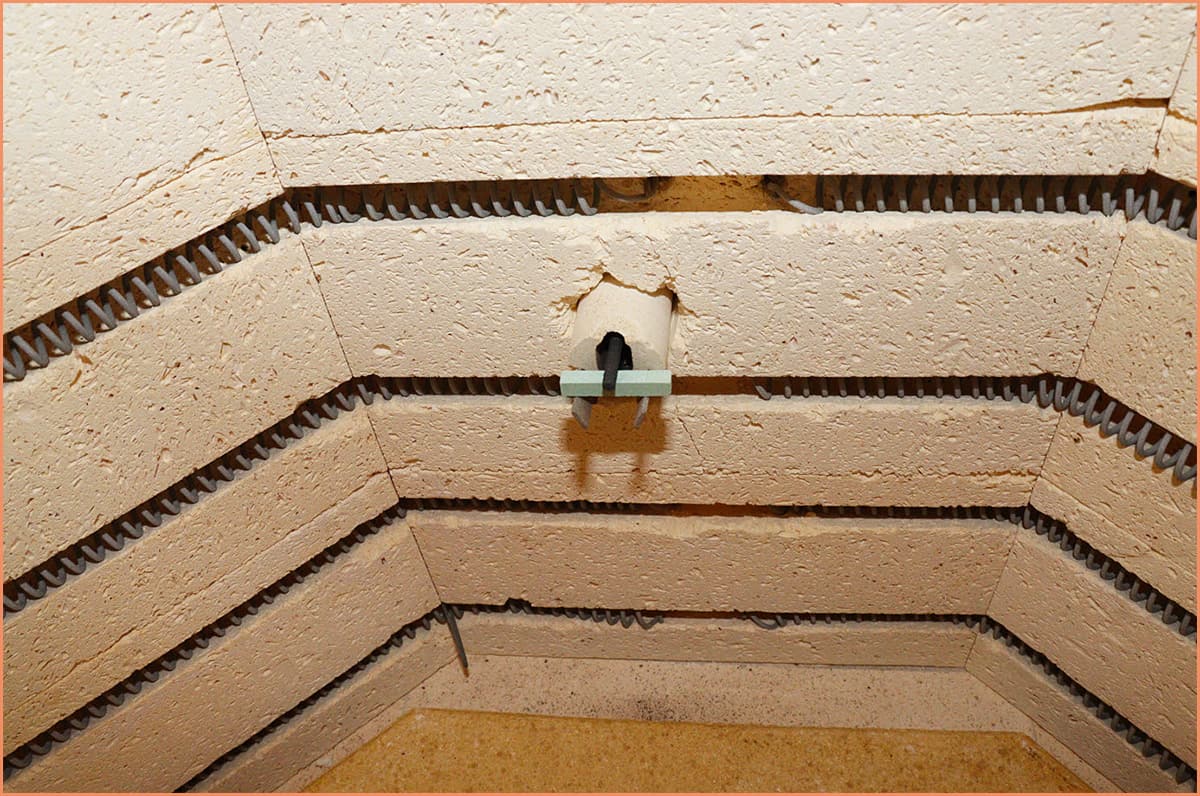
In case your kiln won’t heat up at all, follow these steps to troubleshoot:
- Check the voltage to the kiln. Make sure you are not using a three-phase kiln on a single-phase circuit. Confirm if the infinitely variable zone input switches are switched on (if your kiln has them). To set it in the “off position,” turn to the click position at “12 O’clock”. If you want to turn it to full-on, turn it to the “click” position to the right (1 O’clock).
- Check fuses. Confirm that the fuses are of the proper type and amperage. Check the wiring diagram of your kiln for details.
- Check for short circuits. Check where the elements pass through the case to confirm whether any worn wires may have shorted against it.
- Check the setting of the timer. The kiln will not fire if the timer is set at “0”.
- Check the door cut-off switch. If your kiln has a door cut-off switch, check whether it’s open. The power contactors are shut off anytime the door is open. When the door is closed properly, contact is restored, and the kiln will heat up.
Also, check the adjustment bolts or levers to ensure the switch is actuated when it should be. Properly adjust if it’s not in position.
If the switch is actuated properly but not functioning, check the wiring to ensure it is correctly installed, referring to the wiring diagram.
Slow Firing Time
Low voltage, poor power transfer to the elements, and defective switches are common causes of slow firing times in your kiln.
You can troubleshoot your kiln’s slow firing time by doing the following:
- Check your kiln’s elements. The elements of your kiln wear out when they are fired consistently. This problem causes their resistance to increase.
- Check the switches. Check the switches to confirm if they are defective.
- Check contactors or relays. Relays or contactors that have been used for a long time may cause poor power transfer to the elements. Check contacts for wear. If contacts are pitted or worn, replace them.
- Check if all elements are firing. Look inside the kiln while the elements are on to find out if all of them are firing. In most cases, all the elements should glow a similar color: red.
It would help to exercise caution when opening the kiln, since most kilns do not shut off power when the lid is opened. So, be careful not to insert your hands into the kiln while it is on, as you could be electrocuted.
- Check your voltage. Using a voltmeter, check the voltage in your kiln. Your kiln will fire relatively slowly when supplied with low voltage. For example, a kiln built for 240 volts will have 25% less power when run on 208 volts. Confirm the voltage when the kiln is firing and when it is not. Also, check the voltage at the kiln and at your panel.
Additionally, ensure no other heavy electrical appliances, such as a clothes dryer or washing machine, are on when running your kiln. This problem may result in a voltage drop that slows your kiln.
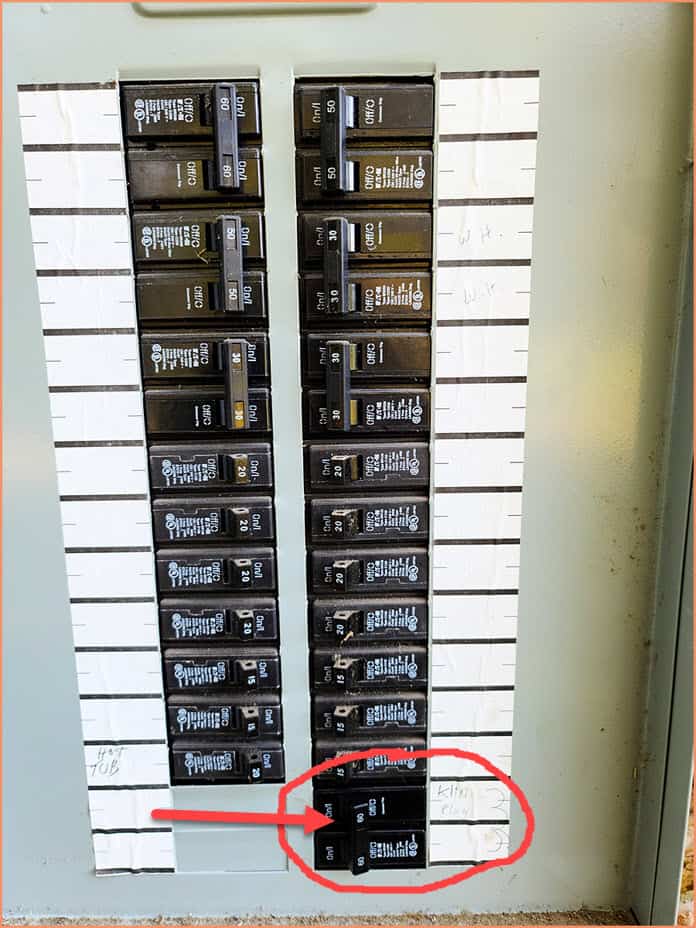
A quick note: if you are not conversant with electricity, have an electrician do it on your behalf.
Electrical Noise in the Control
If the temperature indicator of the controls seems to be defective, there is a high likelihood that your kiln has electrical noise being transmitted to the control. You will know your temperature control is erratic when the temperature shifts quickly by several degrees from one temperature to the next.
Here is how to troubleshoot electrical noise in the control:
- Check the kiln ground. Make sure there is good, common ground between the kiln and all other kiln components.
- Check contacts on power contactors. If you check the power contacts and find they are fused, replace them or complete them.
Pyrometer Is Not Accurate or Does Not Seem To Indicate at All
Sometimes, the pyrometer may not be as accurate as cones or other temperature-measuring devices.
Normally, this is not the real problem. The accuracy won’t vary within a given pyrometer.
- Calibrate your pyrometer. Check the accuracy of your kiln’s pyrometer. If its accuracy is faulty, use an instrument of established accuracy to recalibrate it.
If you are using cones as your reference point, take note of the temperature on the pyrometer at which the cone slumps, then mark it on the pyrometer.
- Check the polarity of the temperature sensor (thermocouple) wire. It is important to ensure the wires of your kiln’s temperature sensor are correctly connected. Confirm if the positive lead wire is yellow and the negative lead wire is red.
- You can trace the circuit of the thermocouple extension wire. Check if all positive leads are joined together, and all negative leads are joined together, with no cross-wiring.
Excessively High Interior Temperature of the Control Panel
Typically, the interior temperature of the control panel should not exceed 125 °F (51.66°C). One common cause of excessively high interior temperatures is poor ventilation.
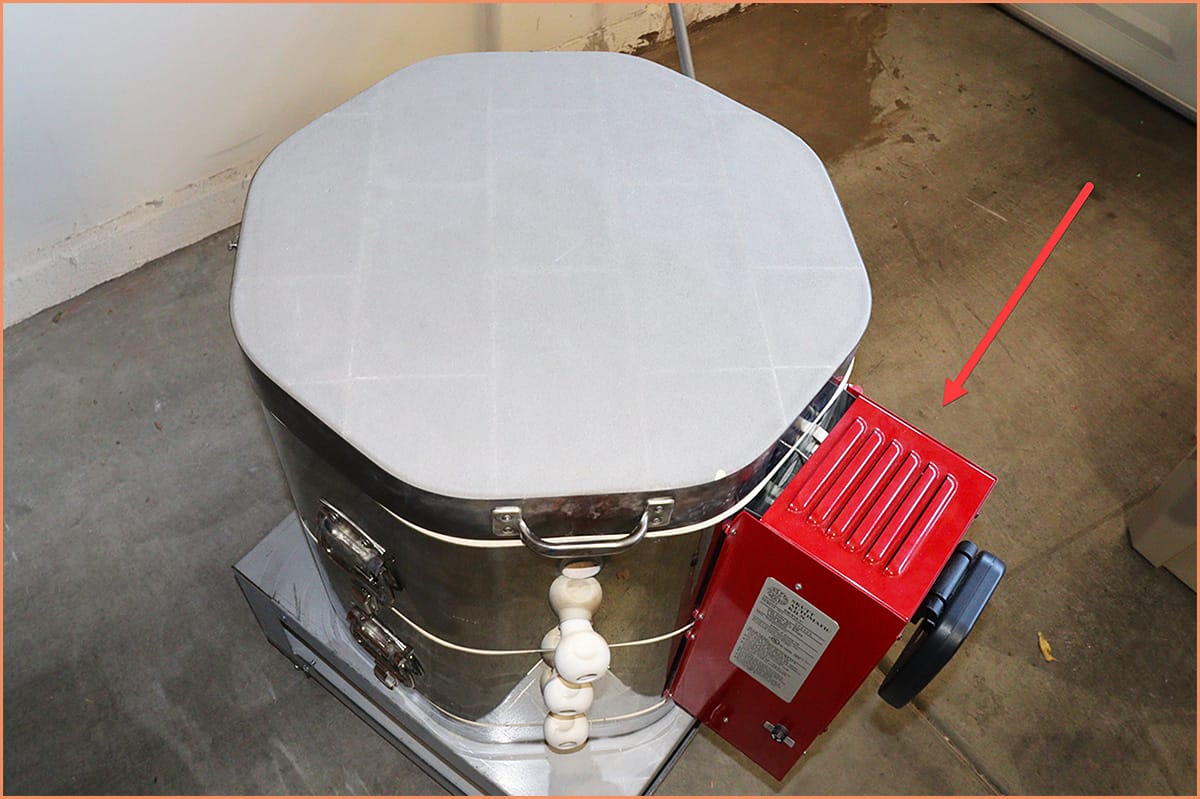
Here is how you can troubleshoot the interior temperature of the control panel of your kiln:
- Using a thermometer, check the kiln’s temperature while functioning at its highest temperature. Keenly observe the key control components, such as the controller chassis and any exposed circuit boards.
- If the control panel’s interior temperature is high, place a fan near it to cool it down. Also, you may enhance ventilation near the kiln.
Automatic Control Is Indicating Erratically
When the automatic control of your kiln indicates erratically, this could mean the control is not adjusted properly.
Follow the following steps to troubleshoot if the control is not adjusted properly:
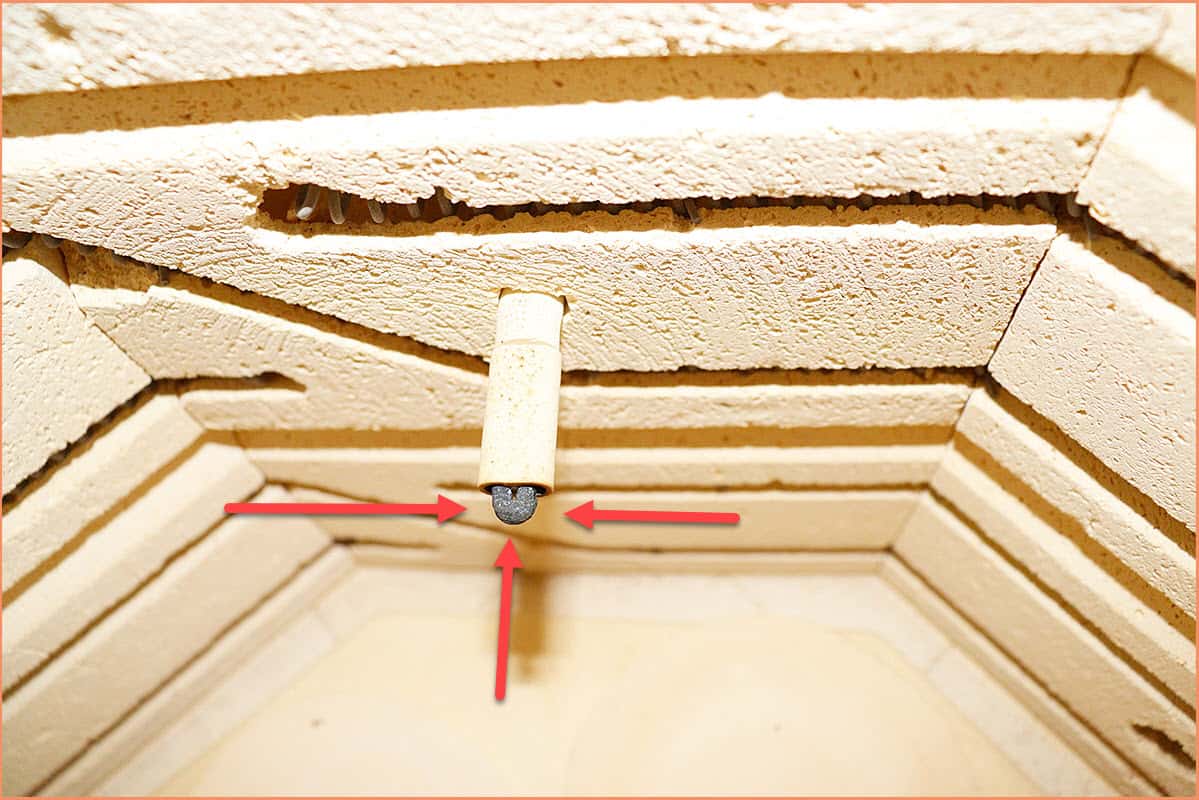
- Check the thermocouple for the correct immersion depth. The welded end of the thermocouple probe should protrude at least 1.5 inches (0.0381 meters) into the kiln chamber.
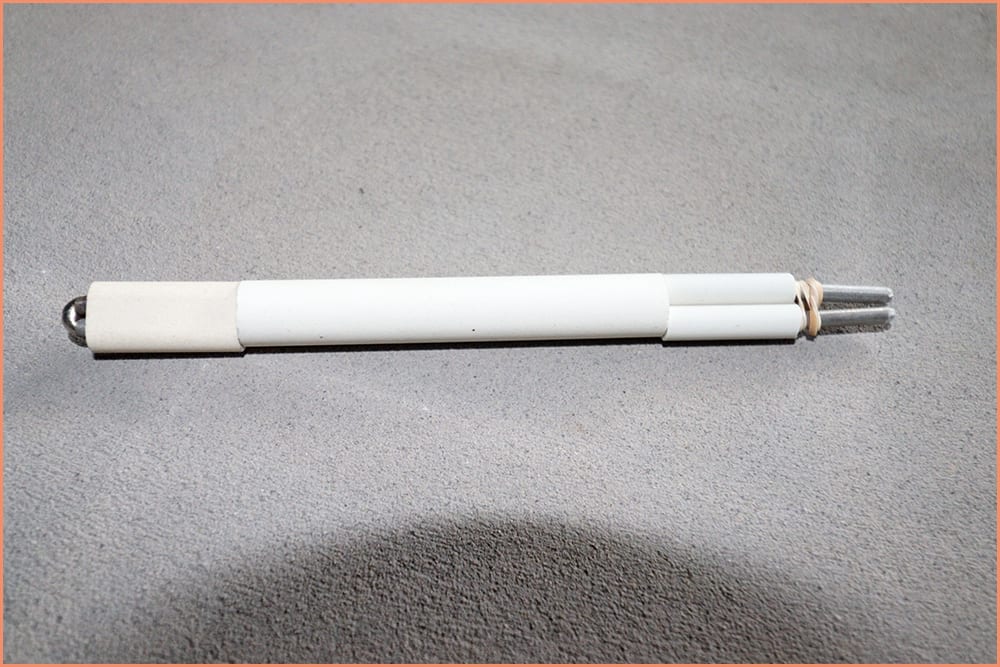
- If the control is accurate but slowly drifting toward inaccuracy, it could mean the thermocouple is of poor quality. If this is your case, replace the thermocouple with a good thermocouple that fits your kiln.
The Kiln Displays “Complete” but Is Not Cooling Off
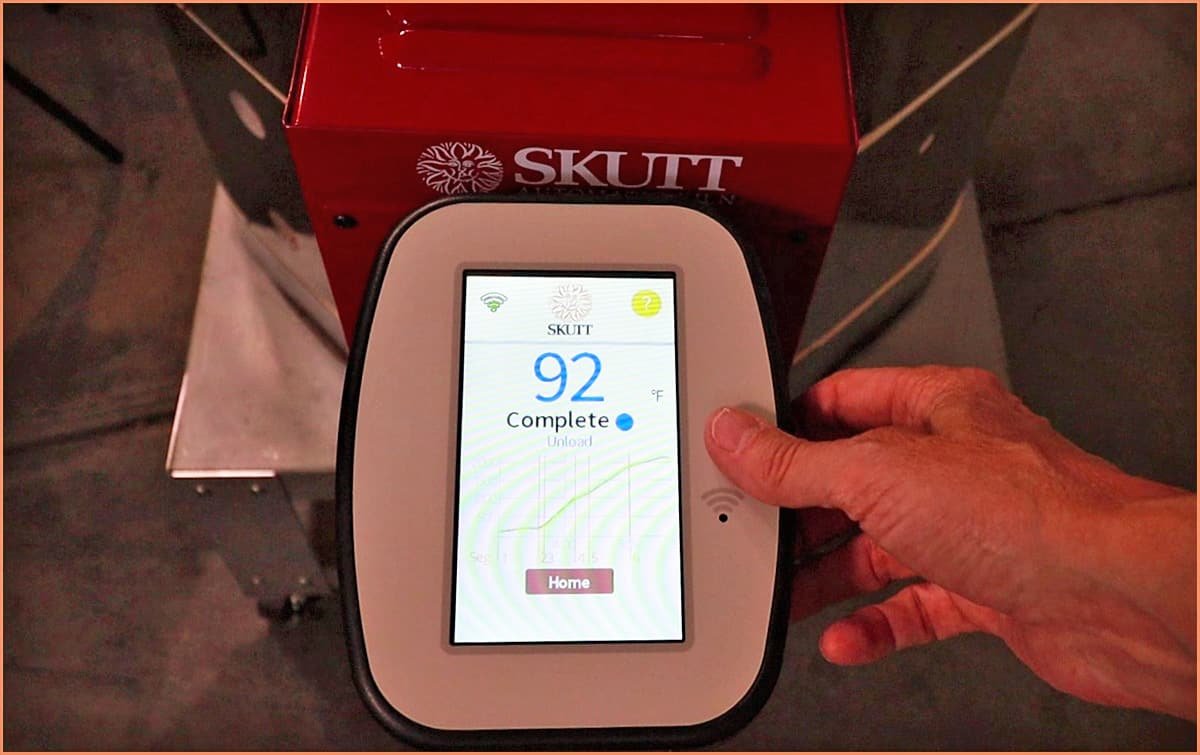
If the controller of your kiln is displaying “complete,” but the kiln is not cooling off, there’s a high likelihood that you have a stuck relay within your kiln.
Do the following to troubleshoot and get this fixed:
- Check which element is still glowing. A stuck relay may cause an element to glow even after the kiln displays “complete.” To solve this, replace the corresponding relay.
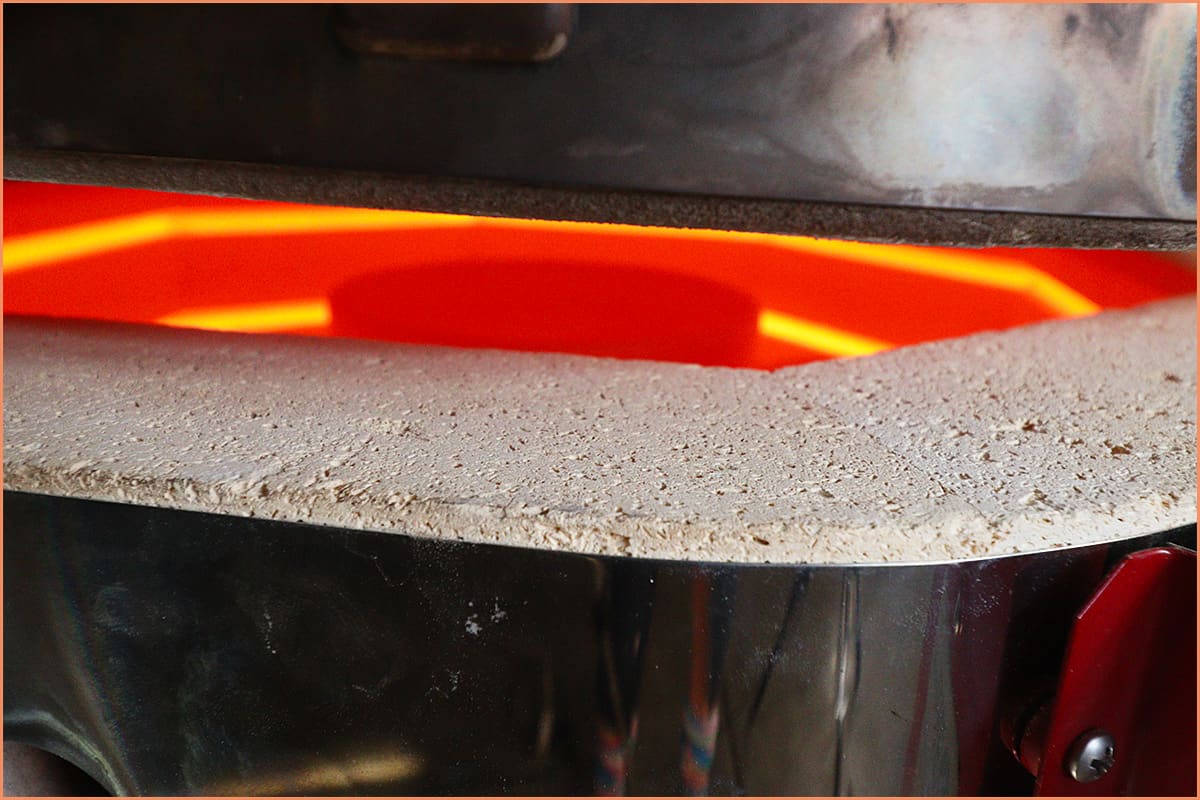
2. The chances of a relay getting stuck increase if you run your kiln in a cold room. To minimize the chances of a stuck relay, warm the room to at least 60 °F (15.55°C) before running the kiln.
The Temperature Sensor (Thermocouple) Is Flaking
The thermocouple, a temperature sensor, is the device that measures the temperature in the kiln and relays the information to a pyrometer, a thermometer designed to measure high temperatures.
To troubleshoot if your kiln’s thermocouple is flaking, do the following:
- Clean the thermocouple with a brush
- Inspect the thermocouple for over-thinning
- If the thermocouple is too thin, replace it with another one.
An Increased Firing Duration
Several factors may increase your kiln’s firing duration.
The following steps will help you troubleshoot what may be causing your kiln to experience an increased firing duration:
- Check the thinness of the thermocouple. If your kiln’s temperature sensor (thermocouple) is too thin, replace it.
- Check the elements. If the elements are corroded and have a thinner cross-section, they increase resistance, leading to reduced heat dissipation. If you do not replace the worn-out elements, your kiln’s computer may shut off the kiln during firing, or an element may break.
- Check your kiln’s phases. Using a voltmeter, check if all three phases of your kiln are present. Also, confirm if all three phases have their circuit breakers switched on.
Final Thoughts
Generally, your kiln may occasionally experience any of the problems discussed. After reading this guide, you should be confident in troubleshooting some of the problems that your kiln could be experiencing. You may want to upgrade to a Computerized Kiln Controller. This gives technicians access to your controller, which helps a lot in troubleshooting your Kiln.
Knowing how to troubleshoot kiln problems will save a lot of repair costs if you can identify them early, before they worsen. If you come across a kiln problem beyond your level of experience, refer it to a professional to avoid damaging the kiln or injuring yourself.